Setting up Jubler
This section will teach you how to download and set up Jubler and get Jubler to use MPlayer.
Download Jubler and MPlayer
- Download Jubler for MAC or PC from http://www.jubler.org/download.html
- Download MPlayer for MAC from here https://mplayerosx.ch/ and for PC from here https://www.smplayer.info/
Getting Jubler to use MPlayer
- Go to Jubler → Preferences.
- Select “MPlayer” from the dropdown list and click on Wizard.
- Select Automatically search for the executable.
- Click Continue. The message MPlayer executable has been resolved will appear.
- Click on Finish.
- The MPlayer OS X Extended Pathwill be filled. Click on Accept to accept changes.
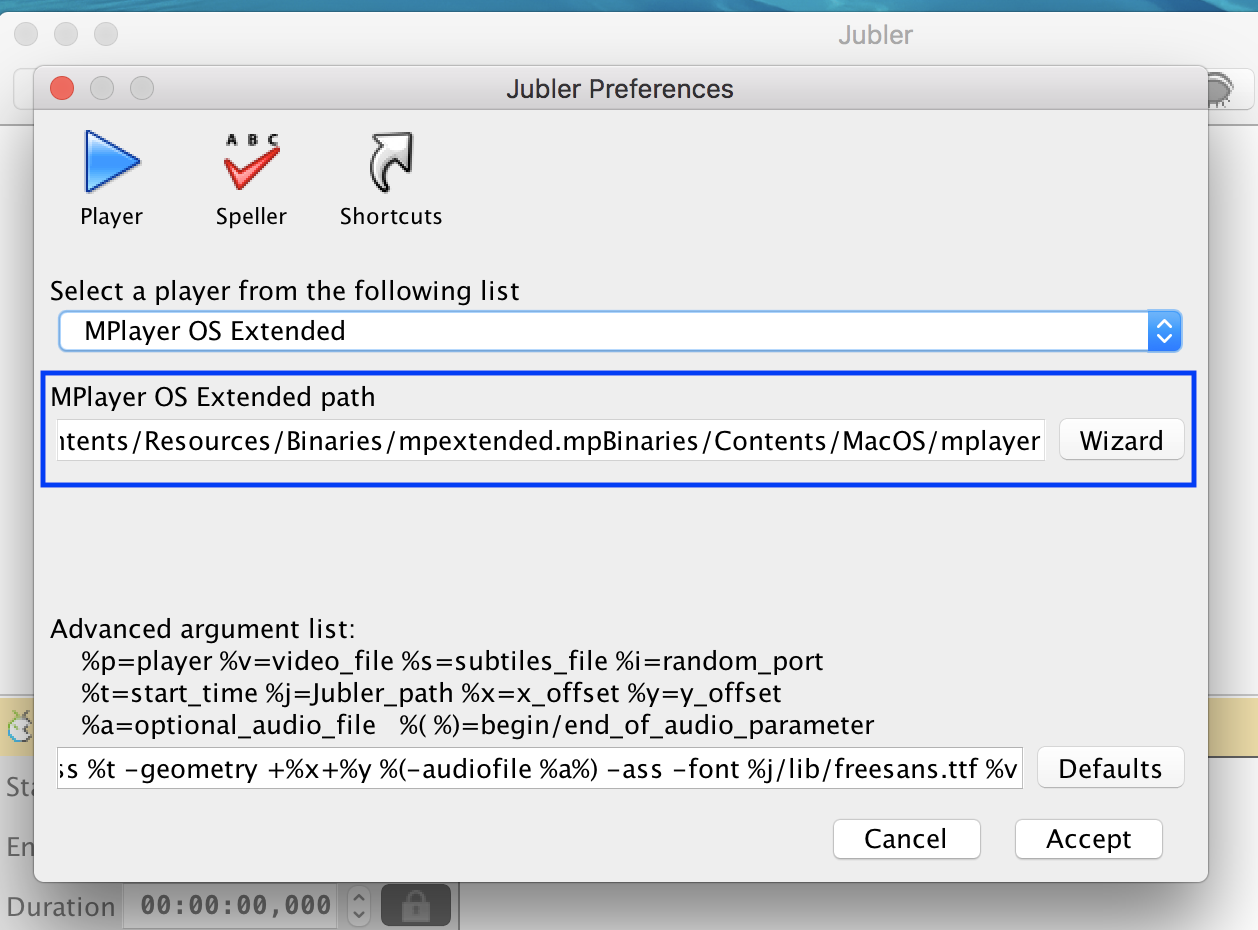
Getting Jubler to use MPlayer